
A Guide to Trading Zines
Trading is an integral part of zine culture. It's a great way to collect other people's zines and share your own.
ZinesForever makes it easy to trade digital and printed zines.
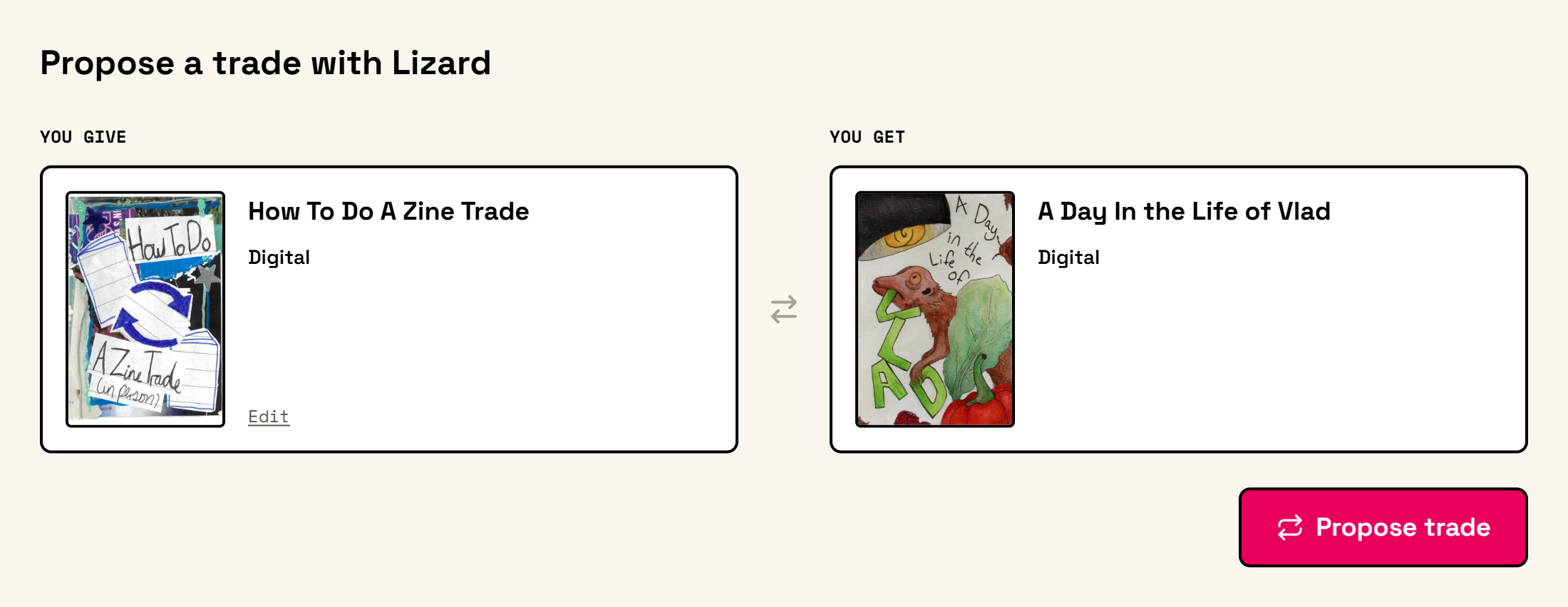
Starting a trade
- 1
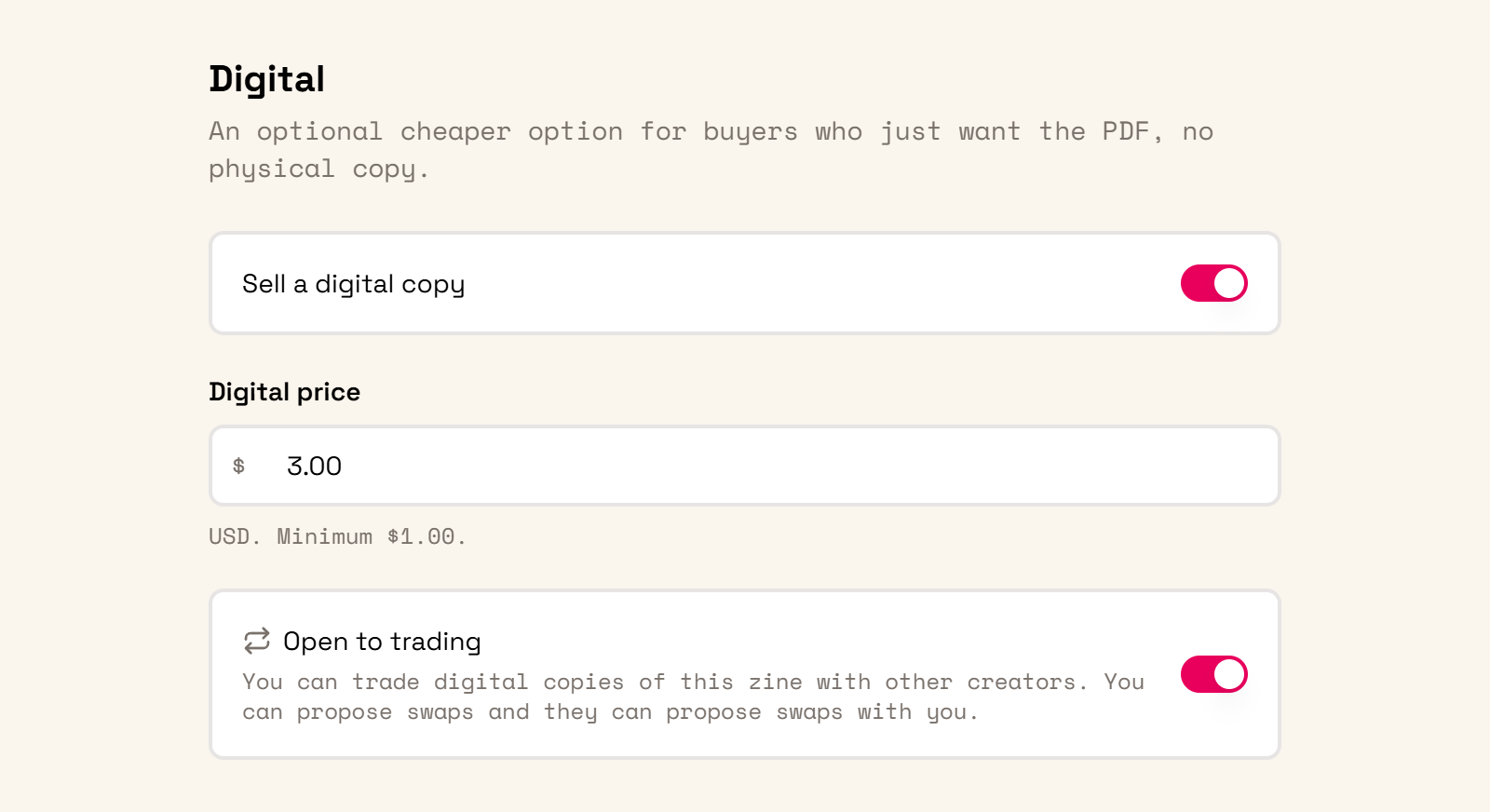
Enable trading for your zine
First you'll need a published zine that's for sale. Turn on Open to trading in its pricing settings for digital, print, or both. For print trades, choose Fulfilled by ZinesForever.
- 2
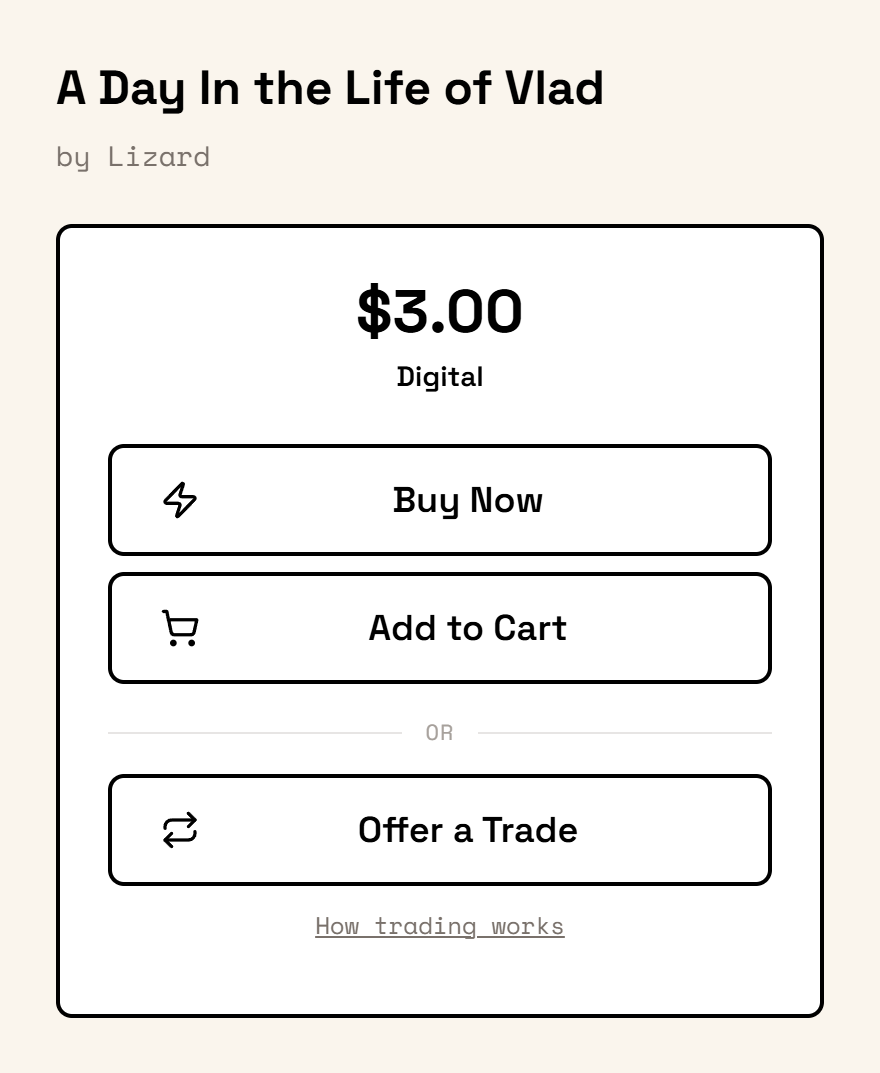
Offer a trade
Find a zine that's open to trades and select Offer a Trade. Then you'll be prompted to choose one of your own zines to offer.
- 3
Wait for a response
The other creator gets an email and can accept or decline. All offers appear on your trades page.
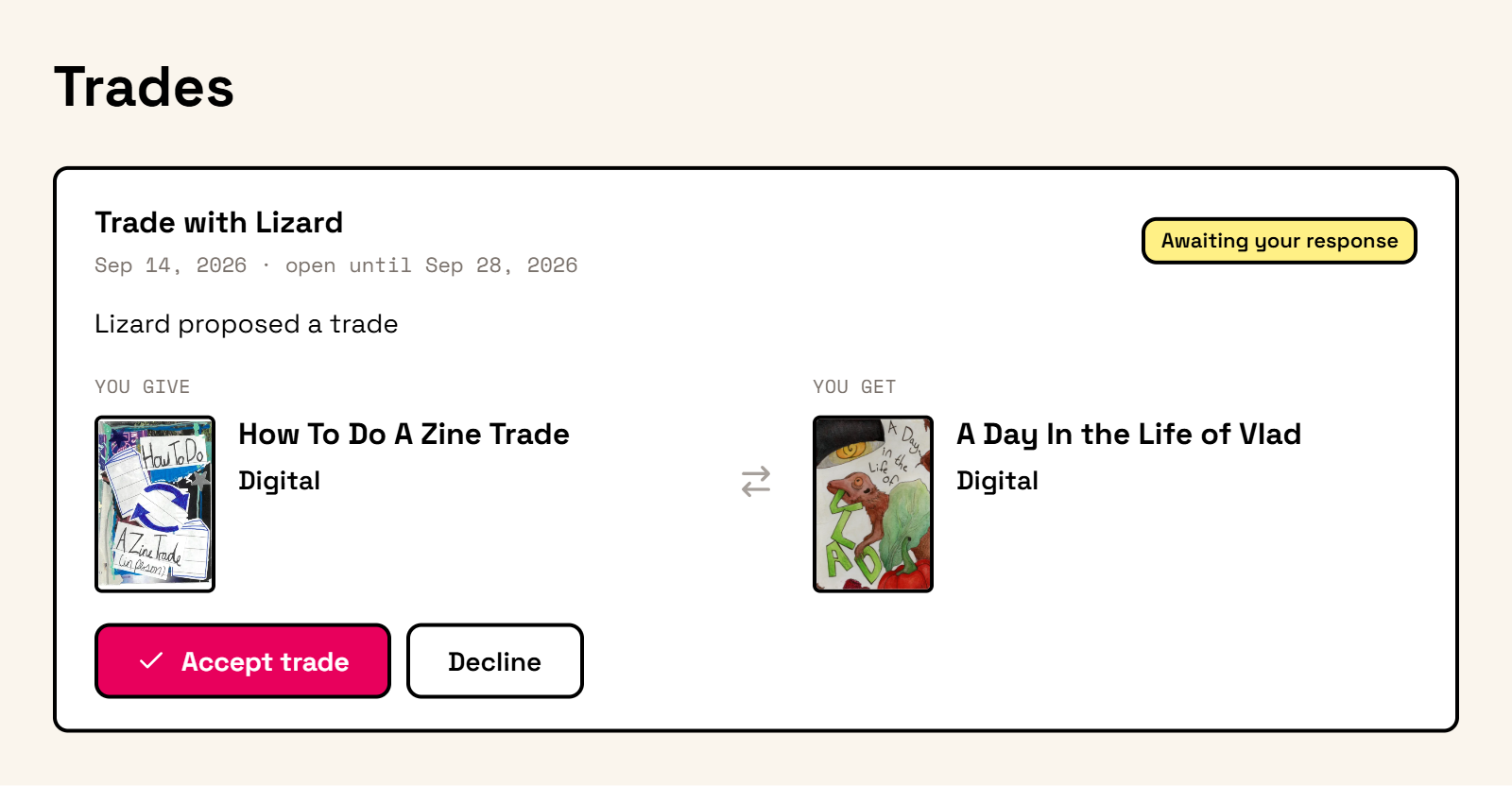
Offers stay open for 14 days. You can withdraw an offer before it's accepted.
After an offer is accepted
Digital trades
Both creators get immediate access to the other's digital zine in their ZinesForever library. No money is exchanged.
Print trades
Each creator pays to print their own zine and mail it to the other person, plus any sales tax. Once both payments are complete, ZinesForever prints and ships the copies.